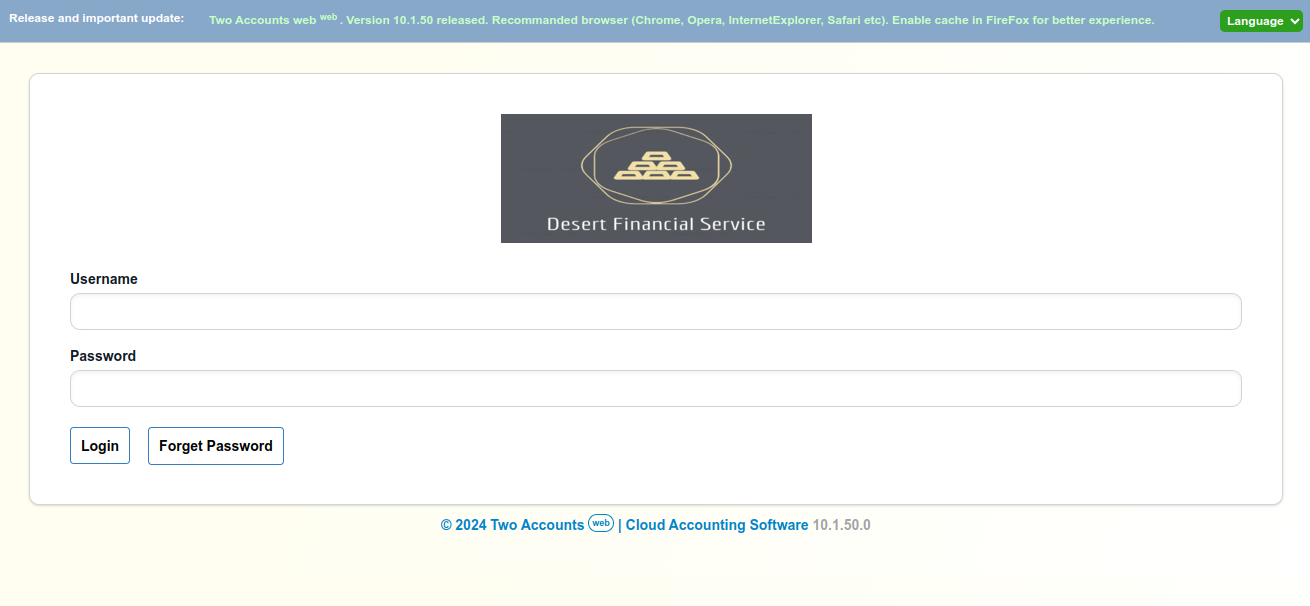
Logo in login page.
If you want to set a logo for your business in login intro place your logo file named logo.png in database folder. Image must be in png format. By default database folder is set to desktop named TwoAccountsWebdotNet. Users are able to get database path from browser. To get database path from browser click open in browser top right button in desktop interface. Then enter /path in url part after login. Example: http://127.0.0.1:8989/path. Custom database folder is not available in trail version.